

Print Manager
Review document packages before printing, adjust page formats, and send jobs to local printers with PDF previews on your Windows workstation.
Part of Output Suite
Review and print document packages
Print Manager is the Windows application for preparing and printing document packages in Output Suite. Paper formats, local printers, document order, and manual approval steps are managed visually.
Review every job before output
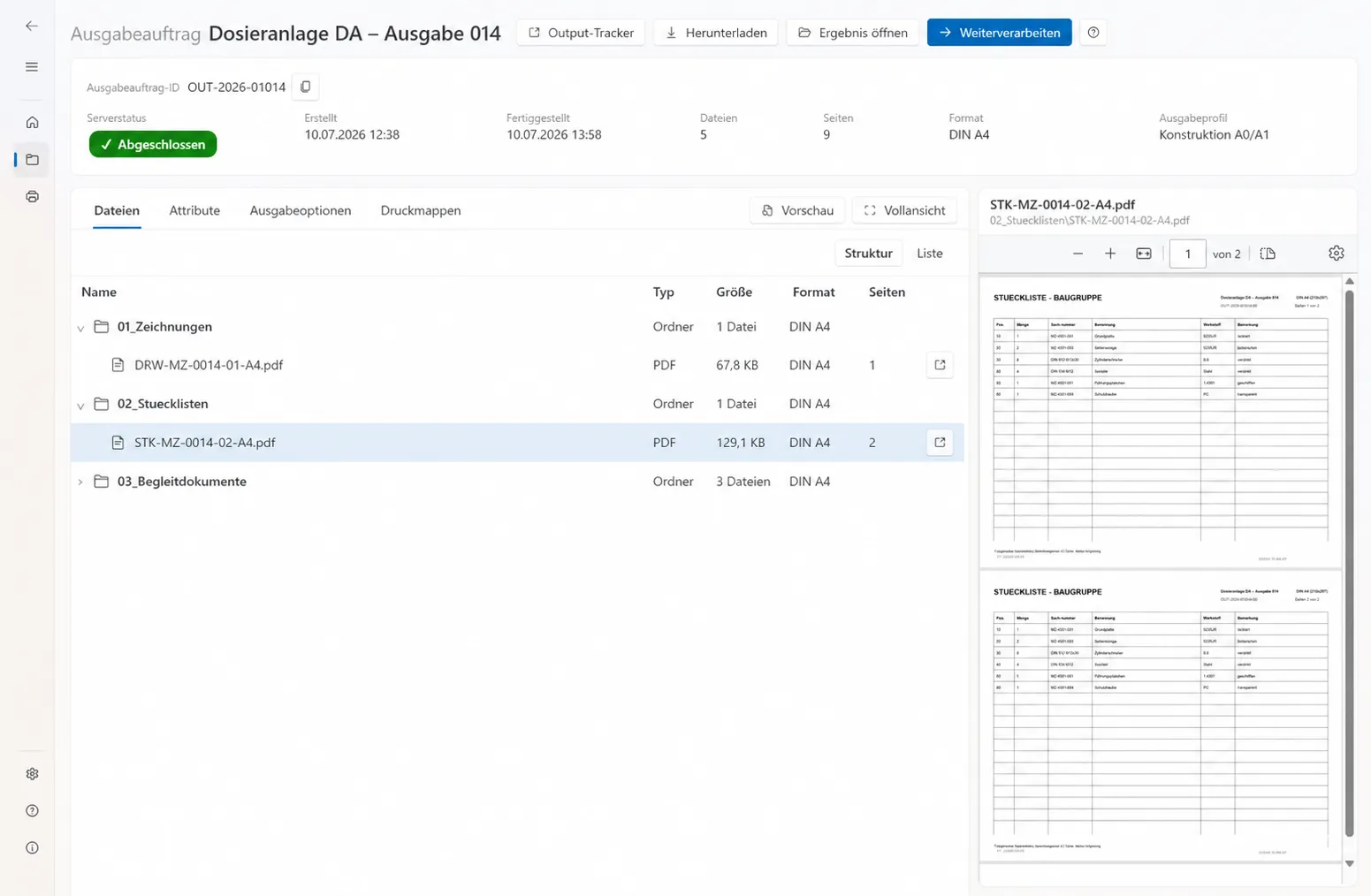
Dashboards, job overviews, and print folders organise incoming work. The detail view combines the document tree, metadata, and status. The integrated PDF preview presents individual documents or the complete package before the job is sent to a print target.
Format-aware preparation
The app detects page formats and can split mixed formats, normalise pages, or scale them proportionally according to defined rules. Printer profiles connect local printers with available paper formats, mappings, and target parameters.
Transformations create derived documents while the original source files remain unchanged. This preserves the relationship between the source, the prepared document, and the final print output.
Consistent print processes for every job
Print processes combine recurring choices for paper formats, document sequence, output targets, and automation. Teams apply the same agreed settings consistently to every job.
Integrated with Output Suite
Print Manager complements Output Service as a Windows application for controlled print workflows. Custom extensions and local output processes can be integrated to match the production environment.
Product in action
Review document packages and deliver them with confidence.
Print Manager brings a structured file view, PDF preview, and output choices together in one clear workspace.
- Document structure and metadata at a glance
- Review results directly in context
- Select print folders, profiles, or direct output
Your output process